ライブプレビュー、プロンプトが運ぶのと全く同じコードで動作しています
設定画面 Expo Go対応無料
Orbit Settings
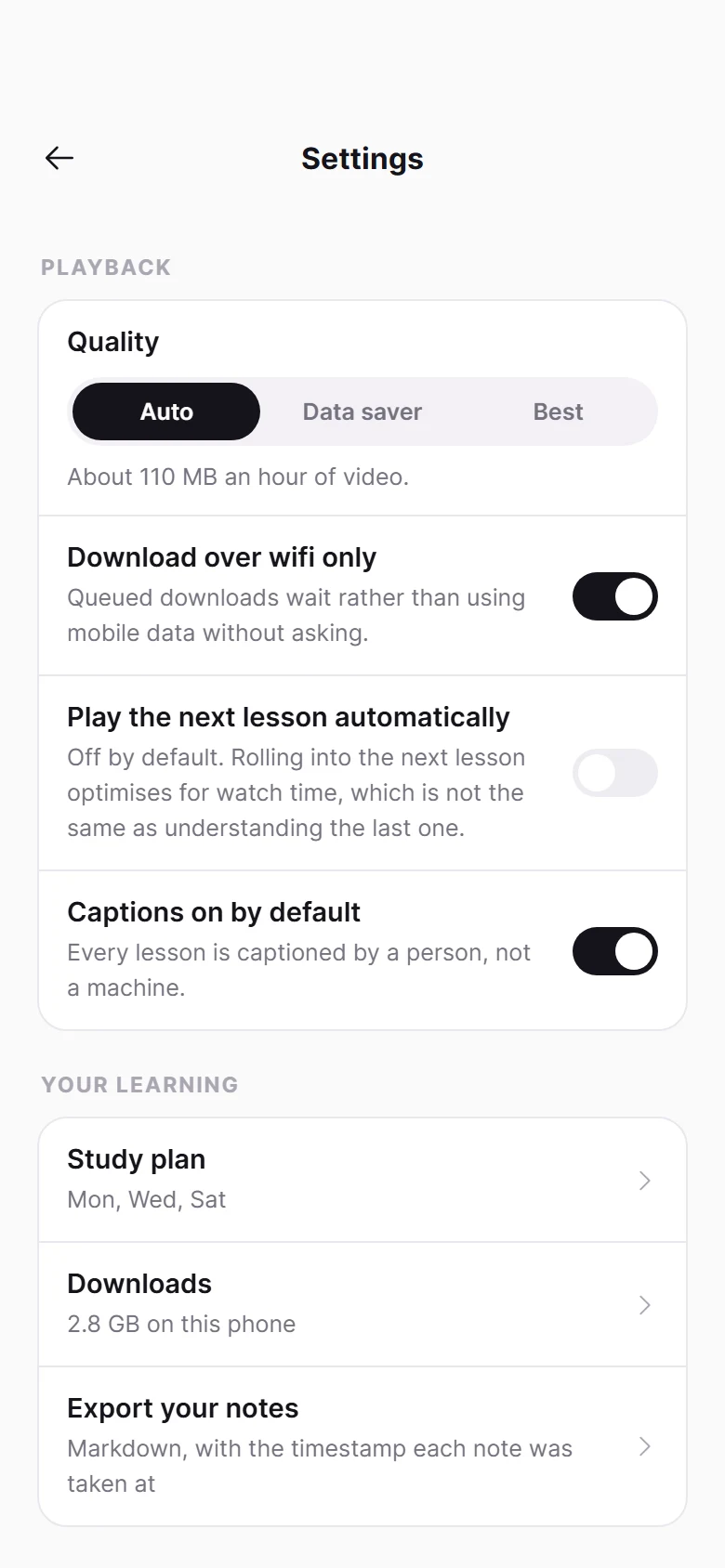
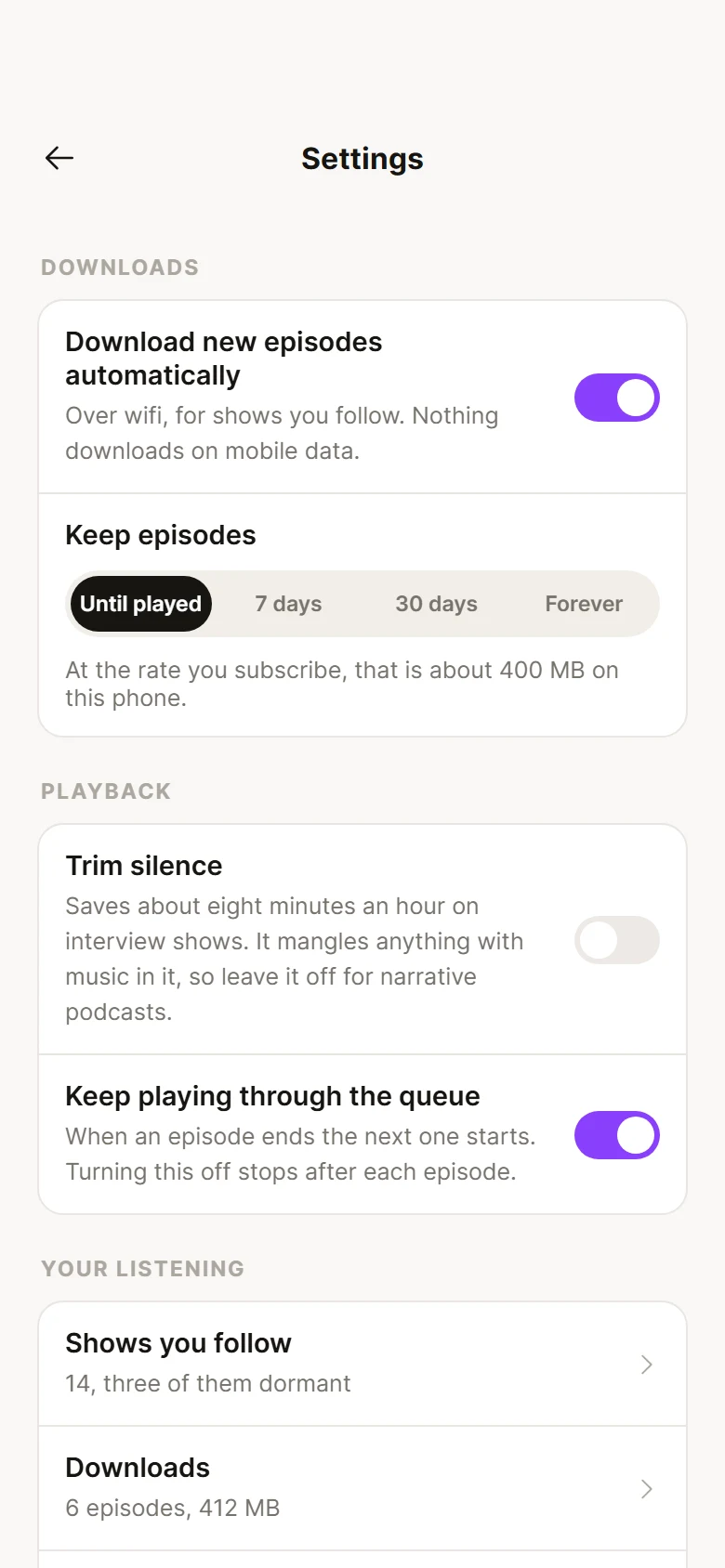
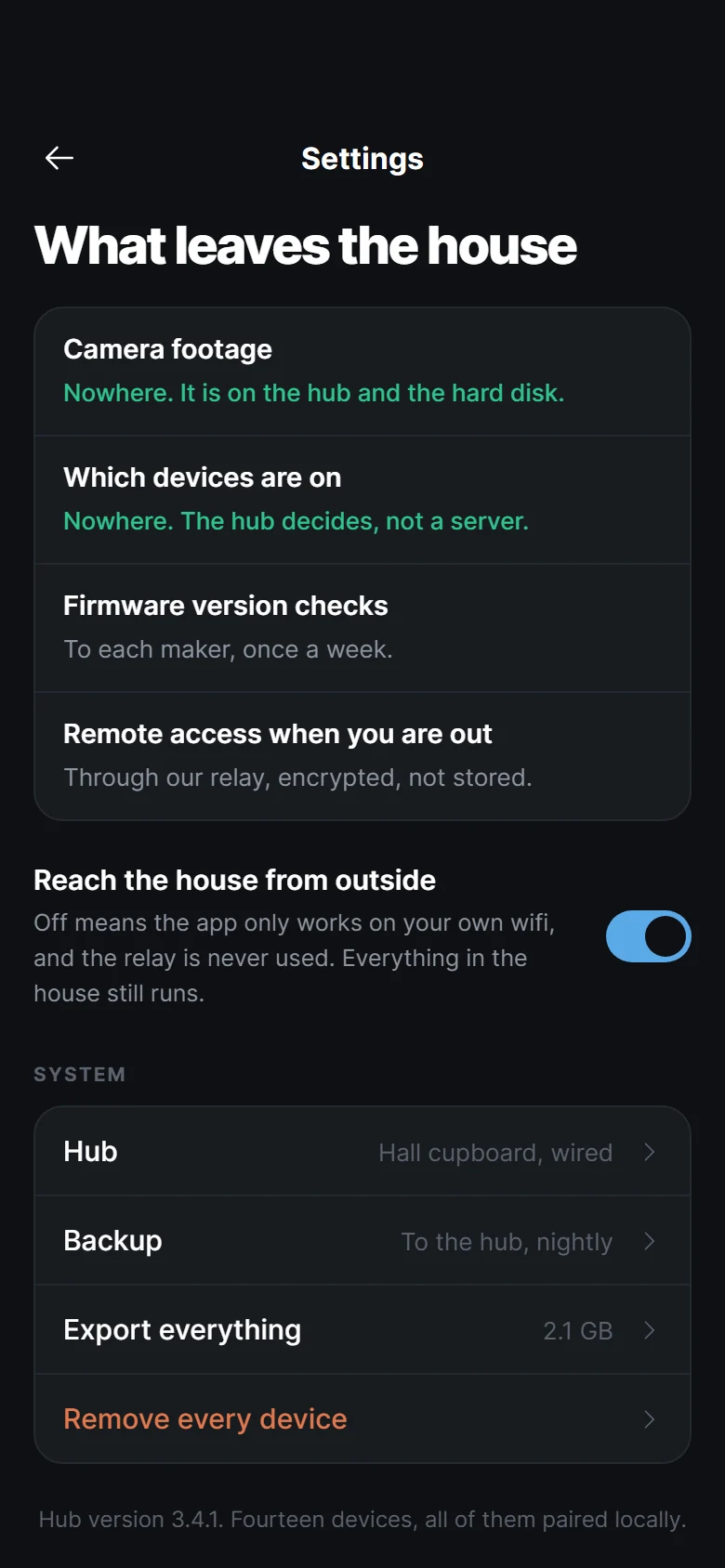
Two streaming quality settings, because wifi and mobile data are different decisions and one global control is why people either burn an allowance or listen at 128 kbps on fibre. Gapless and crossfade are separated, since crossfade ruins the records gapless exists for.
Claude Code、Cursor、Windsurfに貼り付けてください。この画面をあなたのアプリに1対1で構築します。
含まれるもの
- ファイル
- 1個のファイル
- 依存関係
- @expo-google-fonts/inter, phosphor-react-native, react-native-reanimated, react-native-safe-area-context
- フォント
- @expo-google-fonts/inter
- 互換性
- Expo SDK 52以上、Expo Goで動作
- 更新日
- 2026-09-05
このデザインが従うルール
プレビューと全く同じ状態で提供されます:同じ色、同じタイポグラフィ、同じテキスト、同じモーション。プロンプトはあなたのエージェントに、既存のテーマに合わせて調整せず、そのまま構築するよう指示します。