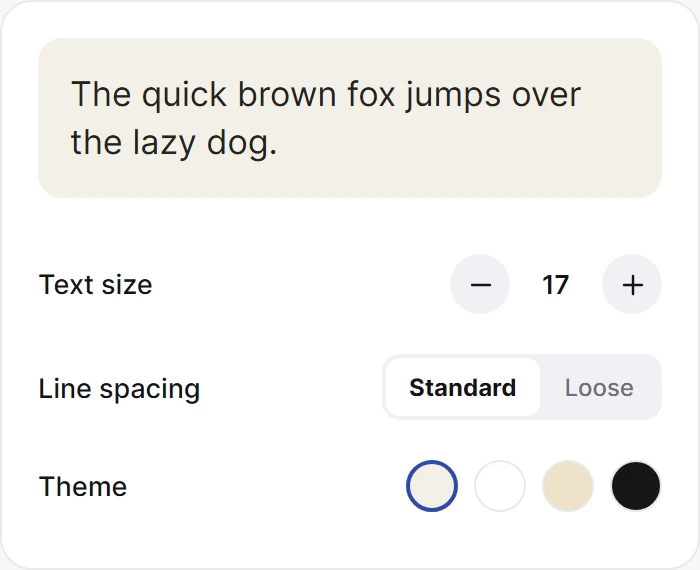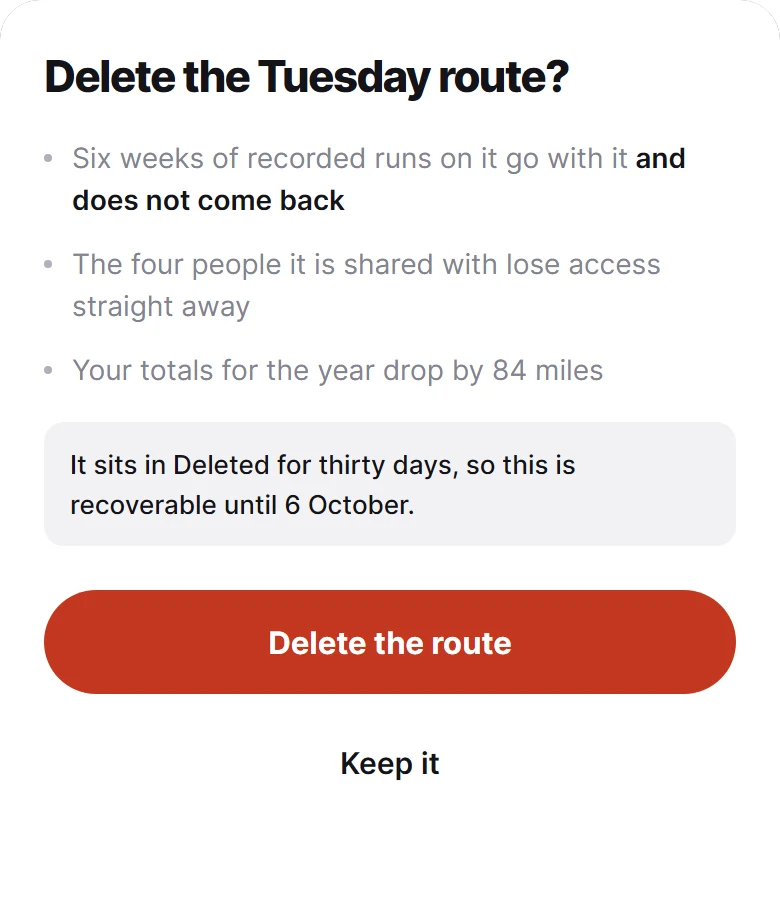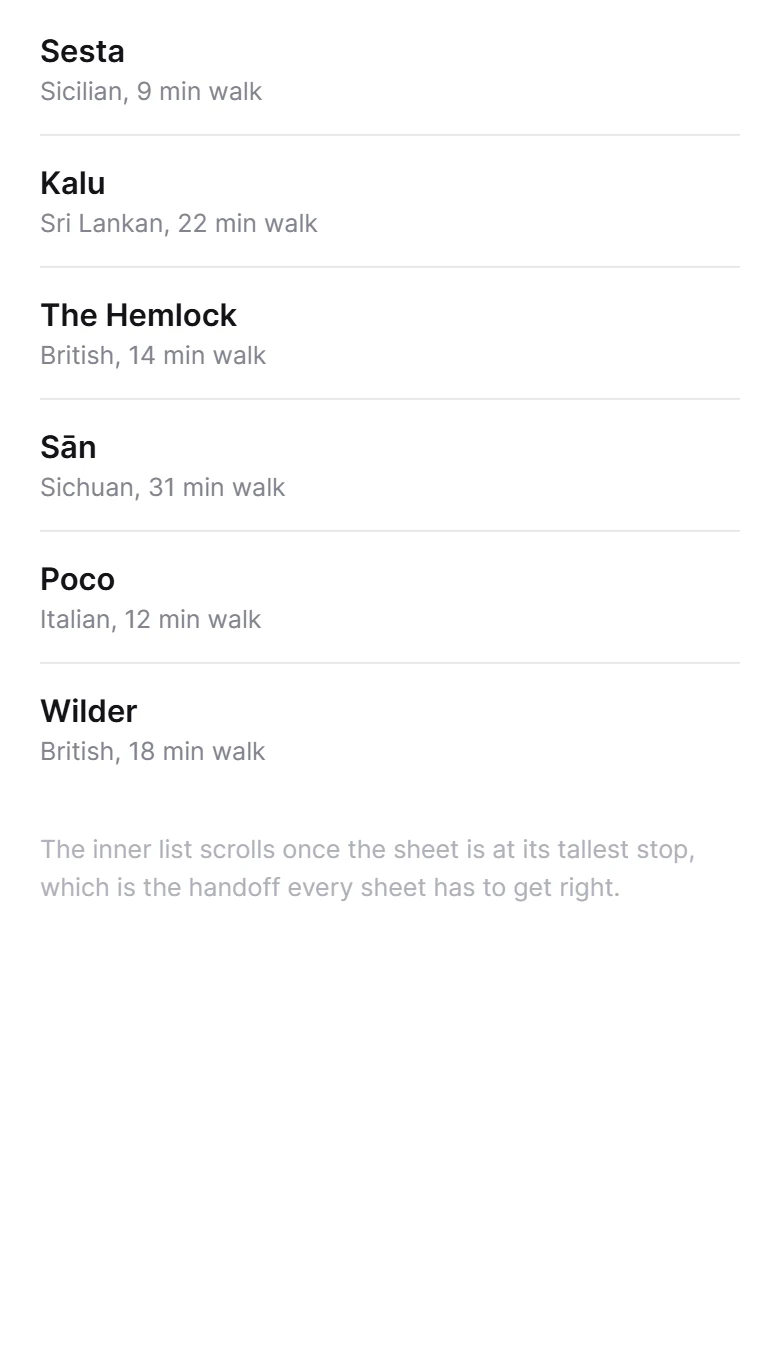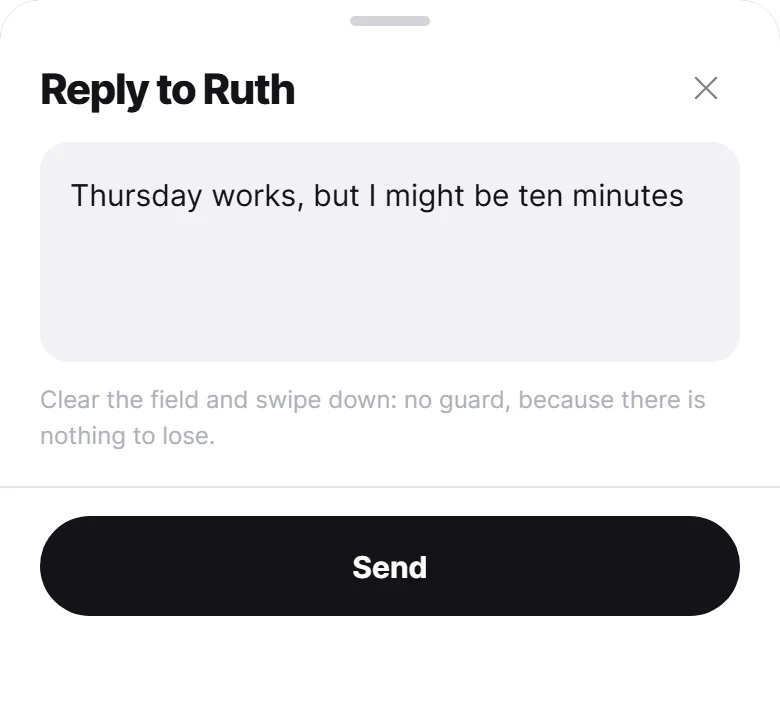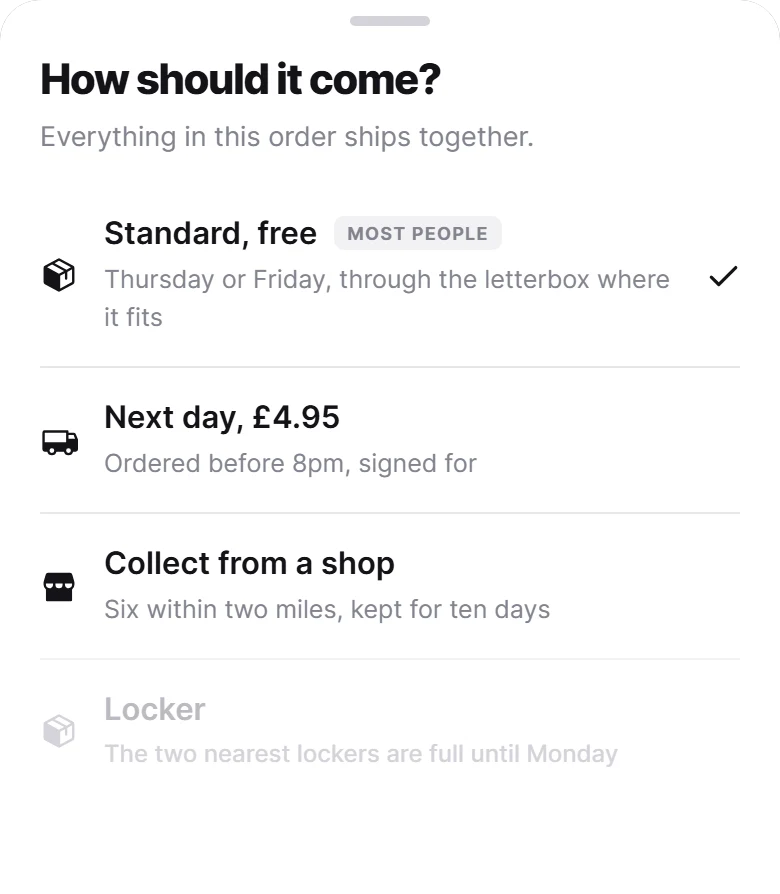
390 × 447 pt sur un écran de 390 pt. La démo tourne en direct, à un clic.
Options Sheet
A single-choice sheet where the tap is the decision, so there is no Done button to add a second tap that carries no information. The value is marked with a tick rather than a tinted row, and an unavailable option keeps its reason instead of disappearing.
Collez dans Claude Code, Cursor ou Windsurf. Ça construit ce composant à l'identique dans votre app.
Ce que le prompt contientTout est inclus, rien n'est téléchargé
- 2 fichiers
- écrit en entier, prêt à coller
- 423 lignes
- Inter
- Regular, Medium, Semi Bold, Bold, Extra Bold
- via @expo-google-fonts
- Règles d'intégration
- livré à l'identique, jamais adapté à votre thème
- SDK 52+
La règle que suit ce design
Il est livré exactement comme l'aperçu : mêmes couleurs, même typographie, même texte, même animation. Le prompt indique à votre agent de le construire ainsi, sans l'adapter à votre thème existant.