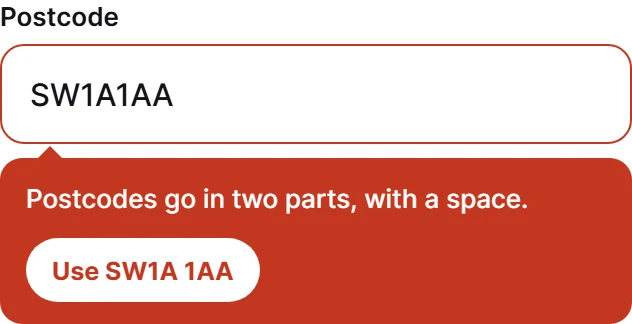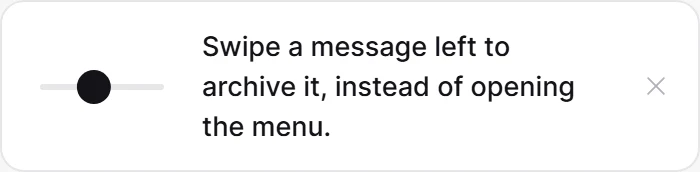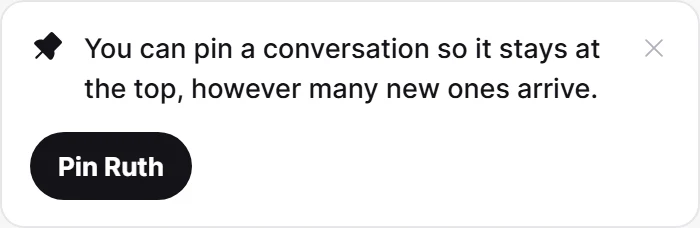
316 × 275 pt sur un écran de 390 pt. La démo tourne en direct, à un clic.
Field Help
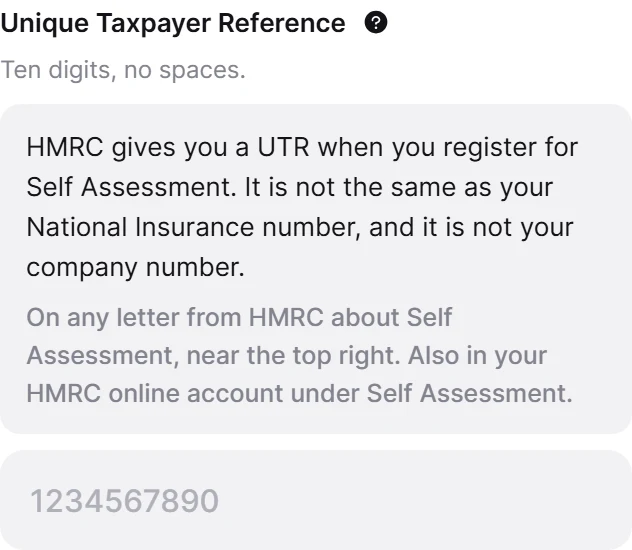
Two levels of help, because questions about a field come in two sizes. The format goes under the label where typing cannot erase it, and where do I find this goes behind a tap, since inline it makes the form look four times longer than it is.
Collez dans Claude Code, Cursor ou Windsurf. Ça construit ce composant à l'identique dans votre app.
Ce que le prompt contientTout est inclus, rien n'est téléchargé
- 2 fichiers
- écrit en entier, prêt à coller
- 362 lignes
- Inter
- Regular, Medium, Semi Bold, Bold, Extra Bold
- via @expo-google-fonts
- Règles d'intégration
- livré à l'identique, jamais adapté à votre thème
- SDK 52+
La règle que suit ce design
Il est livré exactement comme l'aperçu : mêmes couleurs, même typographie, même texte, même animation. Le prompt indique à votre agent de le construire ainsi, sans l'adapter à votre thème existant.